

Bluetooth Wireless Game Controller For IOS Android,PS3 And PS4
Bluetooth Wireless Game Controller For IOS Android,PS3 And PS4
Regular price
R 549.00
Regular price
Sale price
R 549.00
Unit price
per
Tax included.
Couldn't load pickup availability
FEATURES:
- Wireless Gamer Control (IOS, Android, Switch and for P3, P4, PC, TV) Supports any software version of the PlayStation 4 console, connected with the P4 console via bluetooth Version 4.0 and supporting the distance of up to 10 meters
- Works with PC by installing driver (no driver needed for windows 10 and android 5.0) 1
- Standard PS buttons, Share , Option, Up, Left, Down, Right, L1, L2, R1, R2,
- Support any PS4 software version
- Support Bluetooth connection and USB cable connection
- Support Android, IOS, PC and Connect
- With 6 pumping detection systems (three-axis gyroscope, three-axis sensor acceleration)
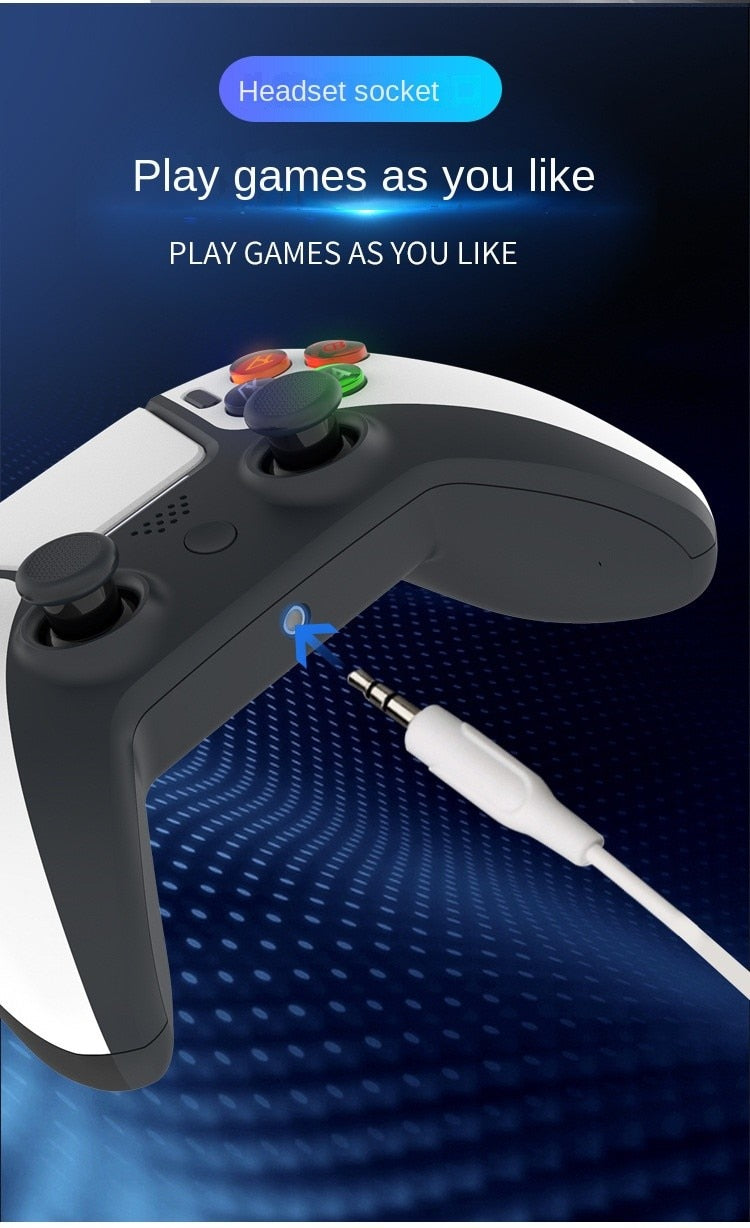
- Main interface: USB Type-C port, expansion port and stereo headphone port; 3.5mm microphone interface, built-in mono speaker
- Support dual-point captive inductive touch control
- Support double motor vibration function
- Support USB to PC online product upgrade
- Built-in rechargeable lithium batteries: 600mAh
- Product functions: 2.1 Touch function: The touch control area is located above the center of the front of the handle.
- Double-touch captive induction touch, can automatically identify finger touch, double-finger touch.
- Tap to click Turbo, you can press anywhere in the control area. 2.2. Audio Function
- There is a mono speaker in the game control, and some game voice commands will be output through the speaker, without interfering with the music and sound of the game itself
- The handset is also equipped with a 3.5mm stereo headphone jack, which allows gamers to choose the type of audio output from the system
single voice or full sound. - 3 Instructions for Use 3.1 PS4 Host Connection : Connect the handle to the PS4 host with a USB Type-C data cable, and when the indicator on the handle lights up, press the PS button on the handle and the indicator lights up
- Wait for the handle to pair with the host, and the yes indicator will light after the pairing operation
- PS3 connection : Connect the game controller to the PS3 host with the USB Type-C data cable
- After the game pad indicator lights up, press the PS button on the game pad and the indicator lights up
- After the game controller is successfully paired with the host, the indicator lights up
3.3. Android/IOS Bluetooth connection : Press and hold the SHARE + PS button (CENTRAL BUTTON) on the game pad for 5 seconds and the game pad enters Bluetooth pairing mode, after 5 seconds it will appear in the mobile phone’s Bluetooth options as WIRELESS CONTROLLER. - At the same time, the game controller light flashes fast and double white
- Can use Bluetooth to connect Android and I0S devices; The Bluetooth name of the handle on Android phone wireless controller the Bluetooth name on IOS and Android devices is dual shock
- WIRELESS CONTROLLER. 3.4.Wired PC Mode Connect game controller to a Windows computer with a USB cable
- The default mode: Press and hold the PS(CENTER BUTTON) button for 5 seconds to switch to Wired PC Mode mode
Package Includes:
- 1 x Wireless Game Controller
- 1 x Manual
- 1 x Type C USB Cable